How to enter the Forum?
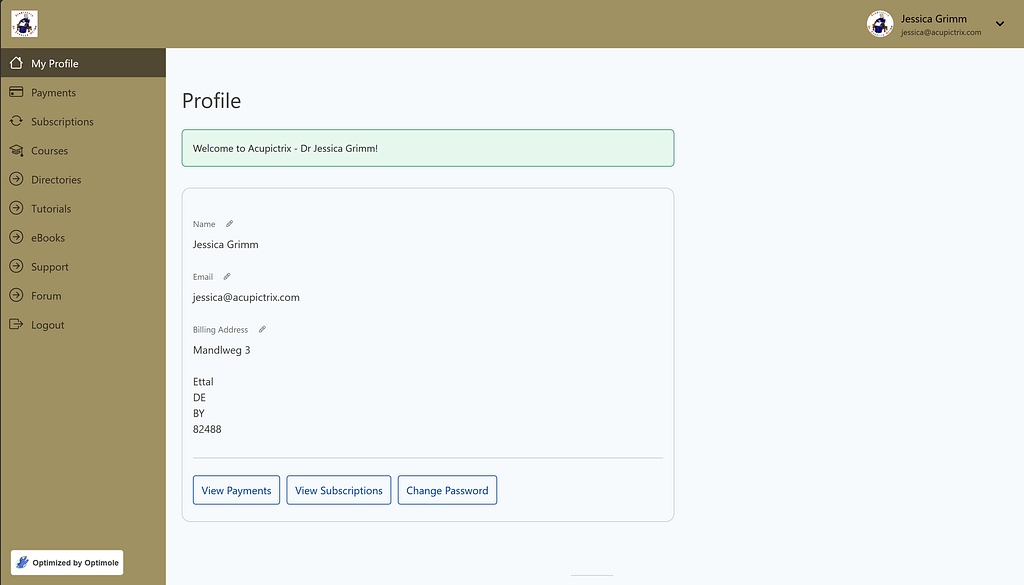
Click on “Forum” in the left-hand side column.
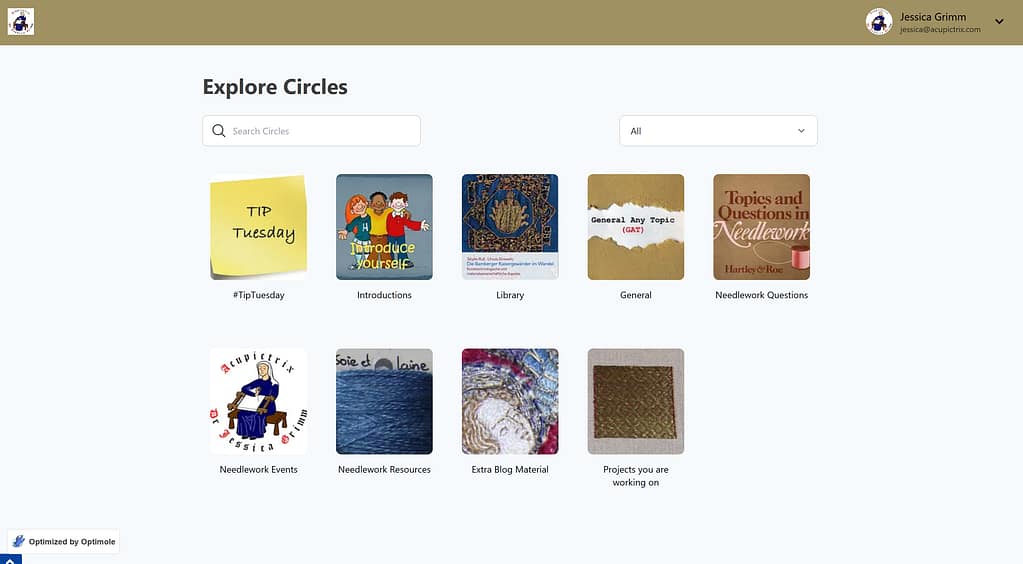
In MemberPress, Forum topics/categories are called “Circles”. When you click on any of the pictures, you enter the feed for that topic/category. Please do introduce yourself in the “Introductions” circle. We love to get to know you!
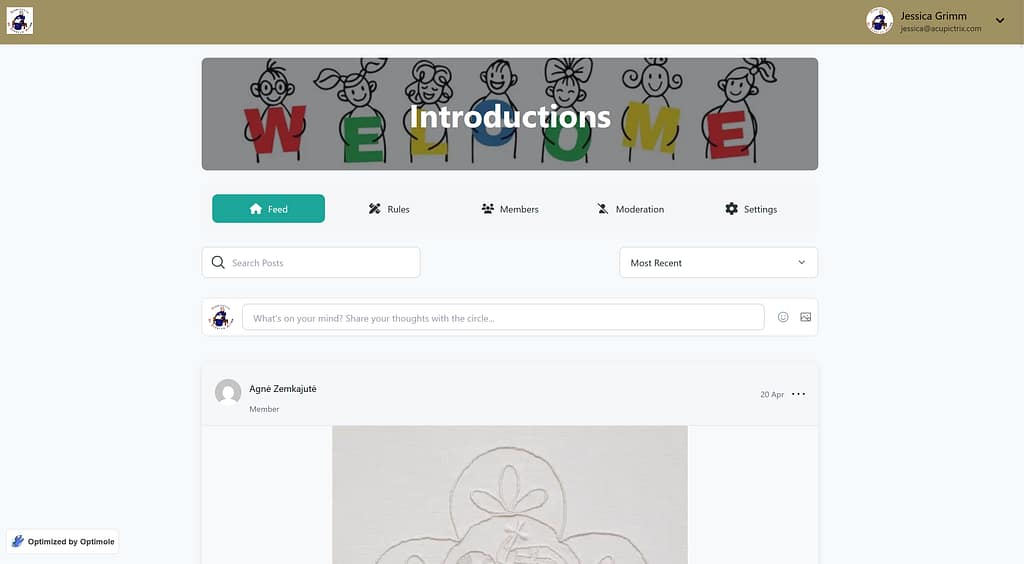
Clicking on any Circle will let you see its feed. You can see the “Rules” we all play by, the other “Members” in this Circle and under “Settings” you can choose which email notifications to receive.
Please note: Members on the FREE plan do not have access to the Forum.