How to access the online embroidery courses?
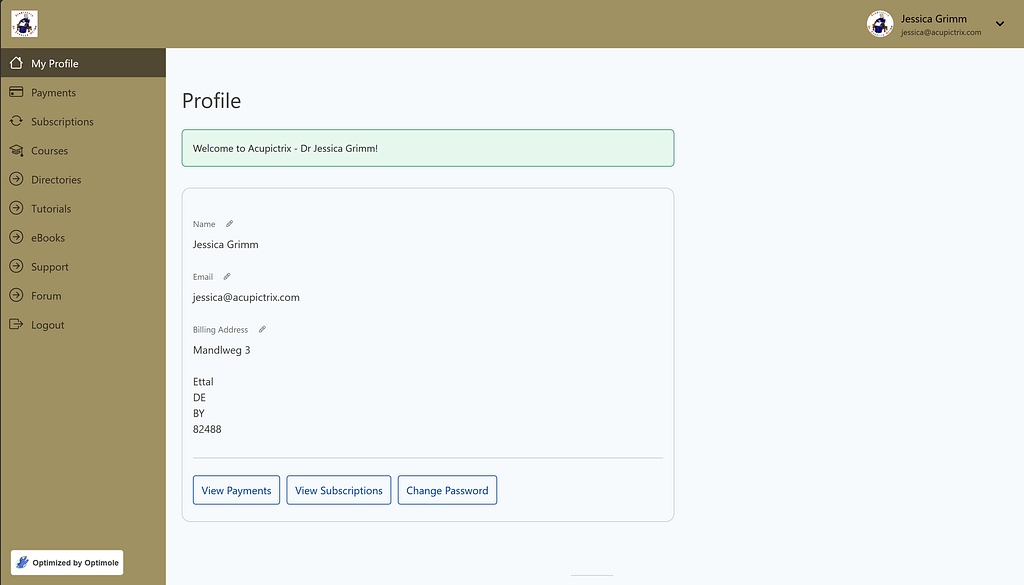
Clicking “Courses” on the left-hand side will open the courses page.
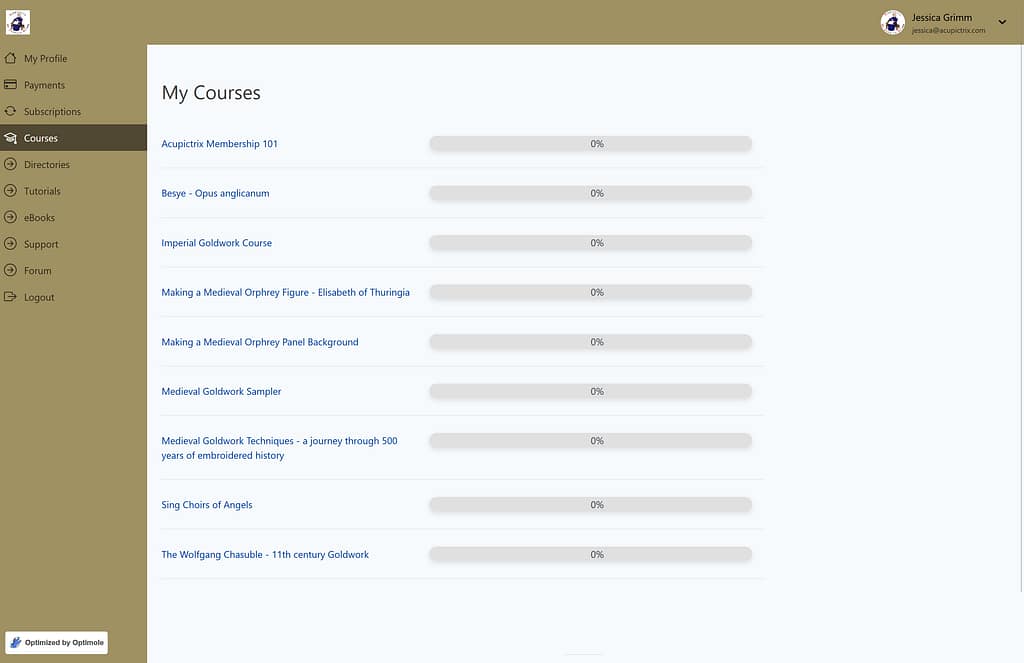
On the Courses page, you can see your progress for each course. Click the course name to open that course with all its lessons. Please note: if you are on the free plan, you can only access Besye – Opus anglicanum.
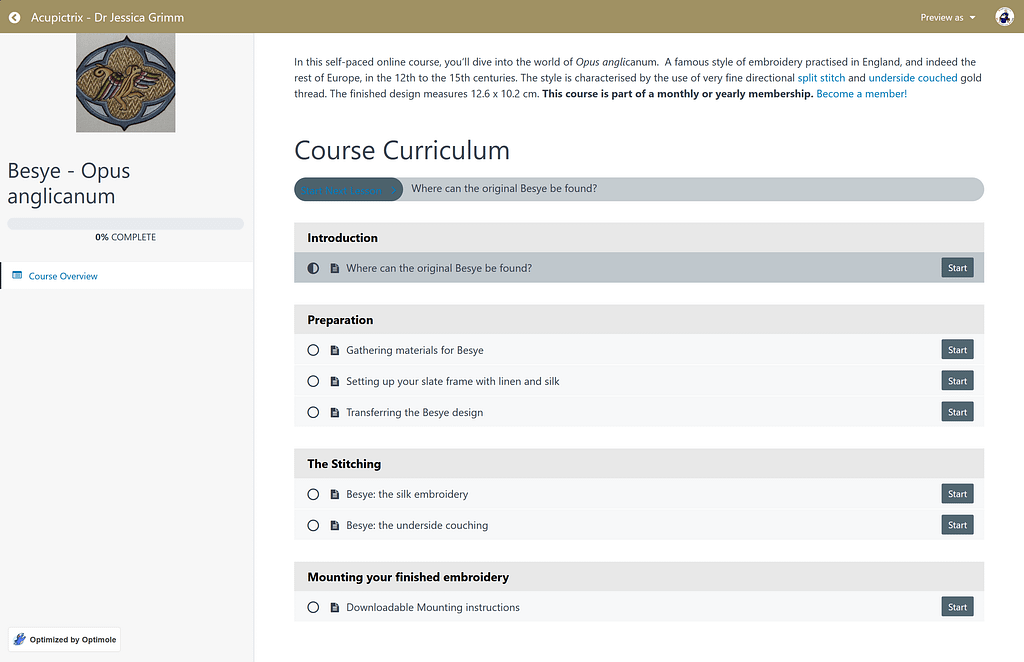
For instance, when you click on “Besye – Opus anglicanum”, the above course page opens up.

Clicking the start button on the first lesson opens the above lesson page. You can navigate by clicking the arrows in the top banner.