How to set up your profile?
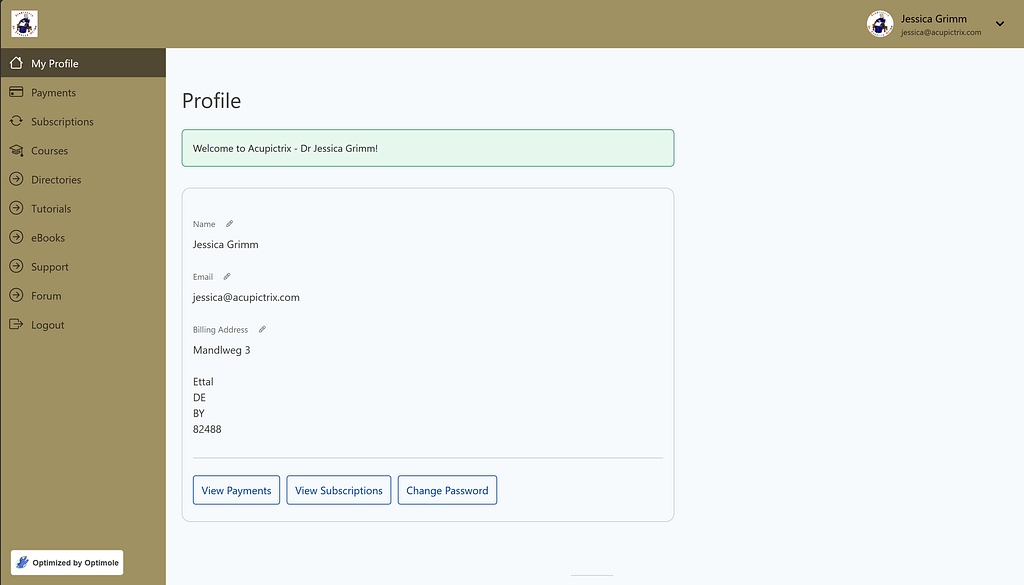
Click on “Directories” in the left-hand column.
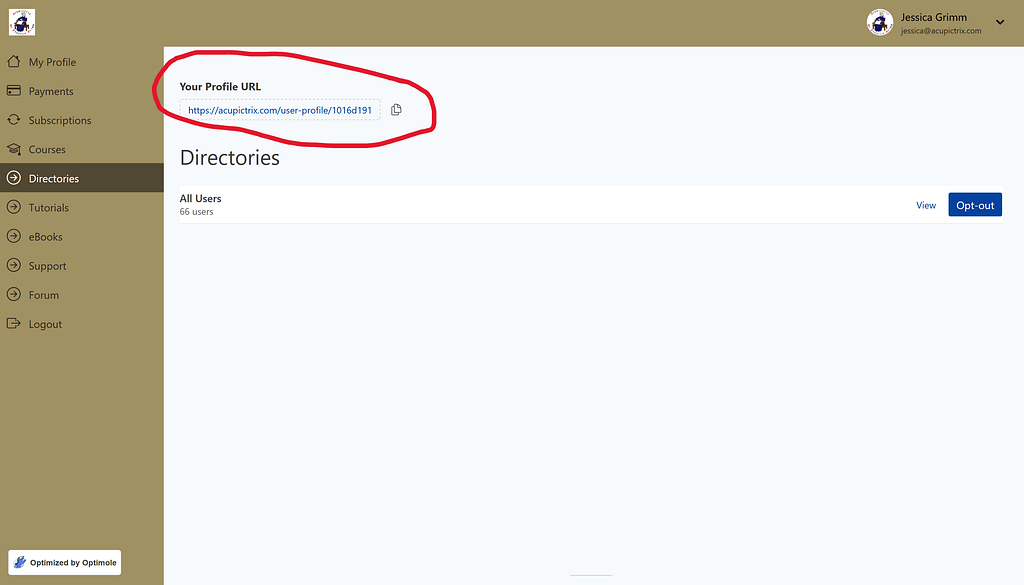
Click on your profile URL.
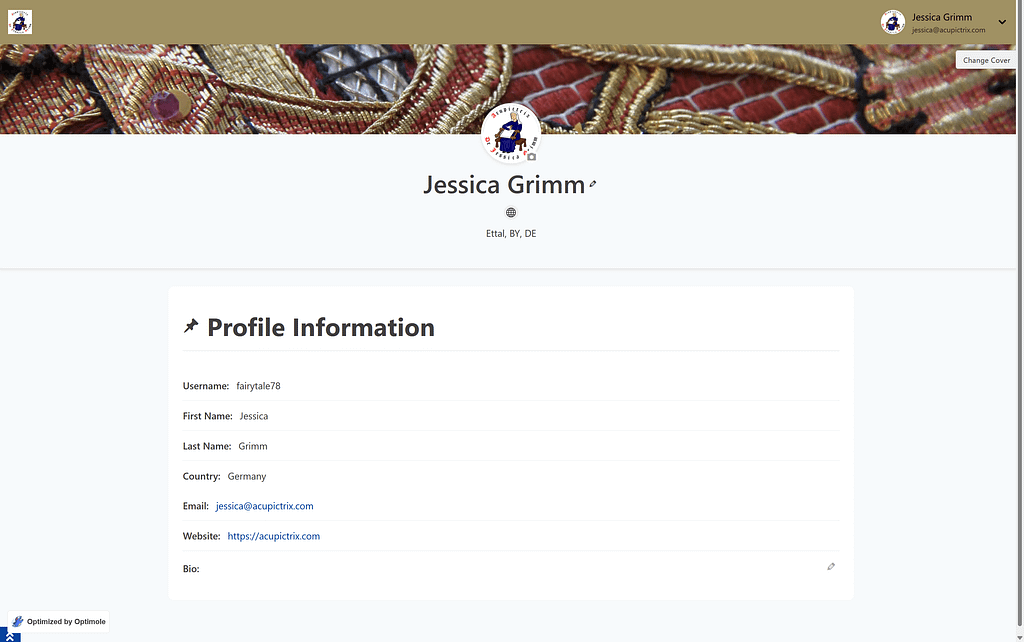
This is your public profile across the site. All logged-in members can see it. Please fill it out. Click the pencil icons, the picture icon and the “Change Cover” button to make it your own. We are a small and private membership website. It is nice to know which face goes with what username. Please note: no filled-out bio for me. I would love to! However, my website then blurbs it under everything I write on the site :).
By the way, clicking the website logo at the top right takes you back to your membership dashboard (top picture on this page) from anywhere on the website by selecting “Account” in the drop-down menu. It will also have an option to change your password or to log out.